
Audit Overview
Your store's untapped revenue potential — and how to unlock it
Why We Created This Audit
We analyzed www.oceancrawler.com the same way we've audited 350+ e-commerce stores — looking for the specific gaps between your current experience and what top-performing Jewelry & Accessories stores deliver. Every finding in this report is a revenue opportunity backed by industry data and competitive benchmarks.
What We Analyzed
- UX & Conversion Design16 findings
- Technology & App StackPlatform + 25 apps
- Industry BenchmarksJewelry & Accessories
Pages Analyzed
- Homepage3 findings
- Collection Pages3 findings
- Product Pages (PDP)7 findings
- Cart & Checkout3 findings
 This audit was prepared by Growisto — a CRO-led Website development team behind 167% conversion growth for Atomberg, 46% CR lift for TyresNmore, and 350+ e-commerce projects.
UX & Conversion Findings
Page-by-page analysis with visual comparisons against top Jewelry & Accessories stores
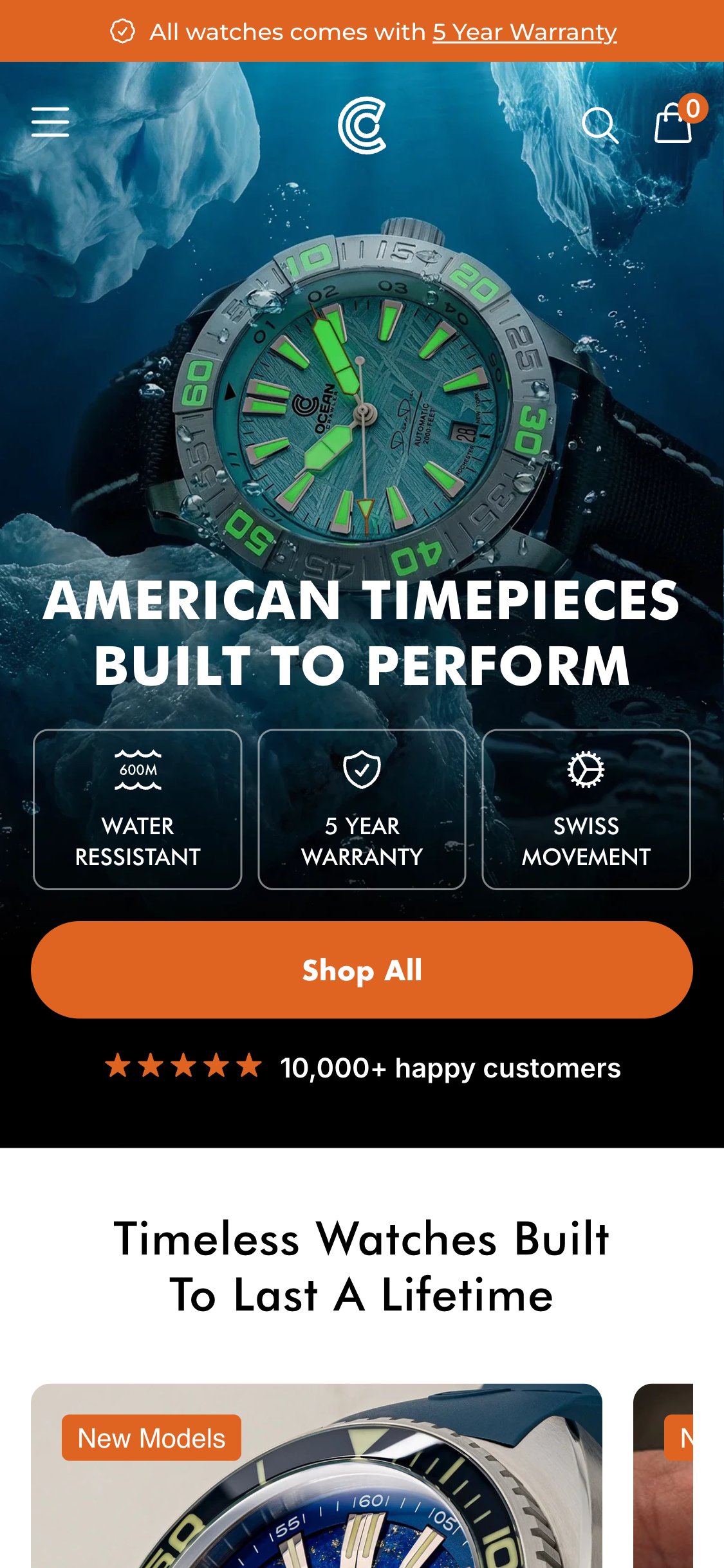
- Hero H2 reads 'American timepieces built to perform' — a generic brand tagline with no product specificity
- Single CTA 'Shop All' routes to /collections/frontpage — a browse page — rather than a named product or current launch
- No price, product name, or urgency element (e.g. 'Limited to 100 pieces') in the hero overlay
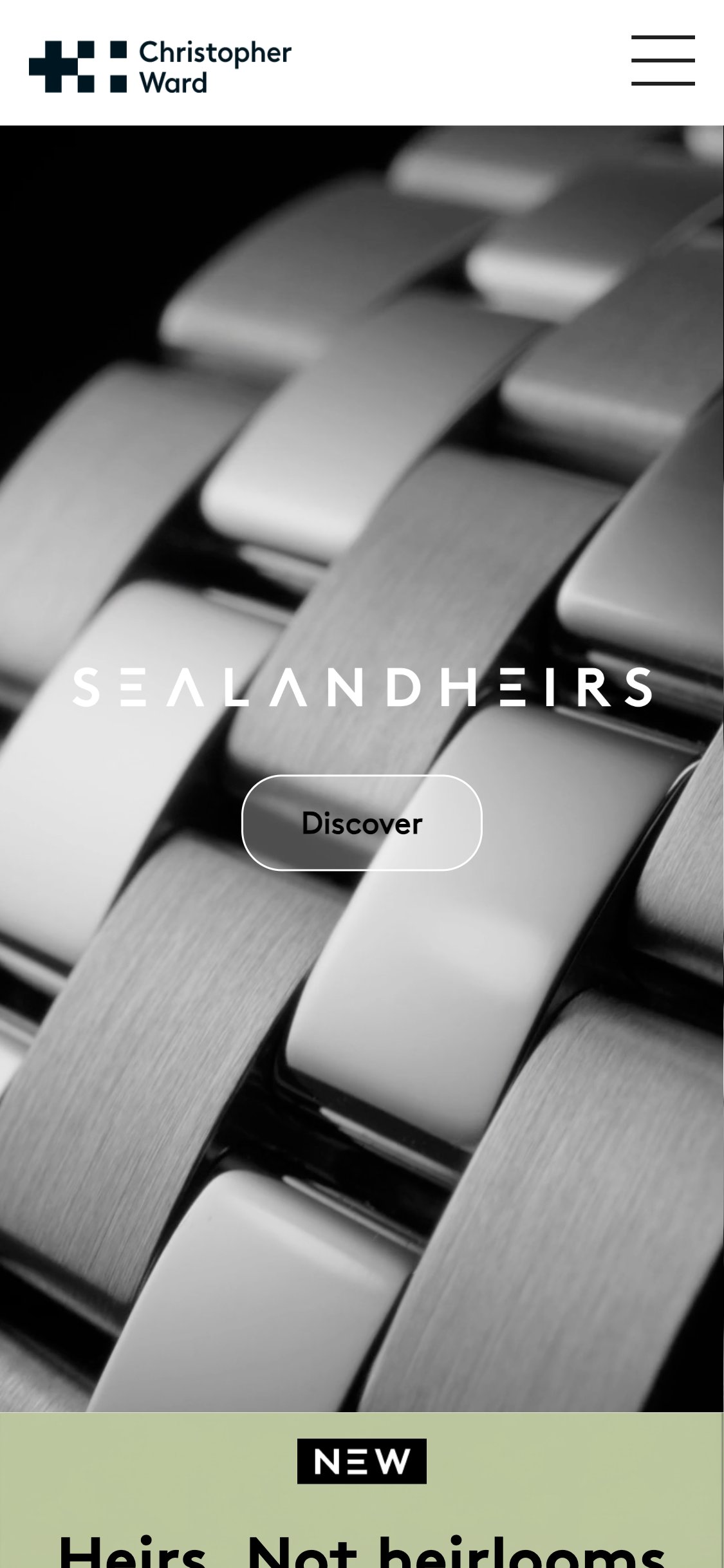
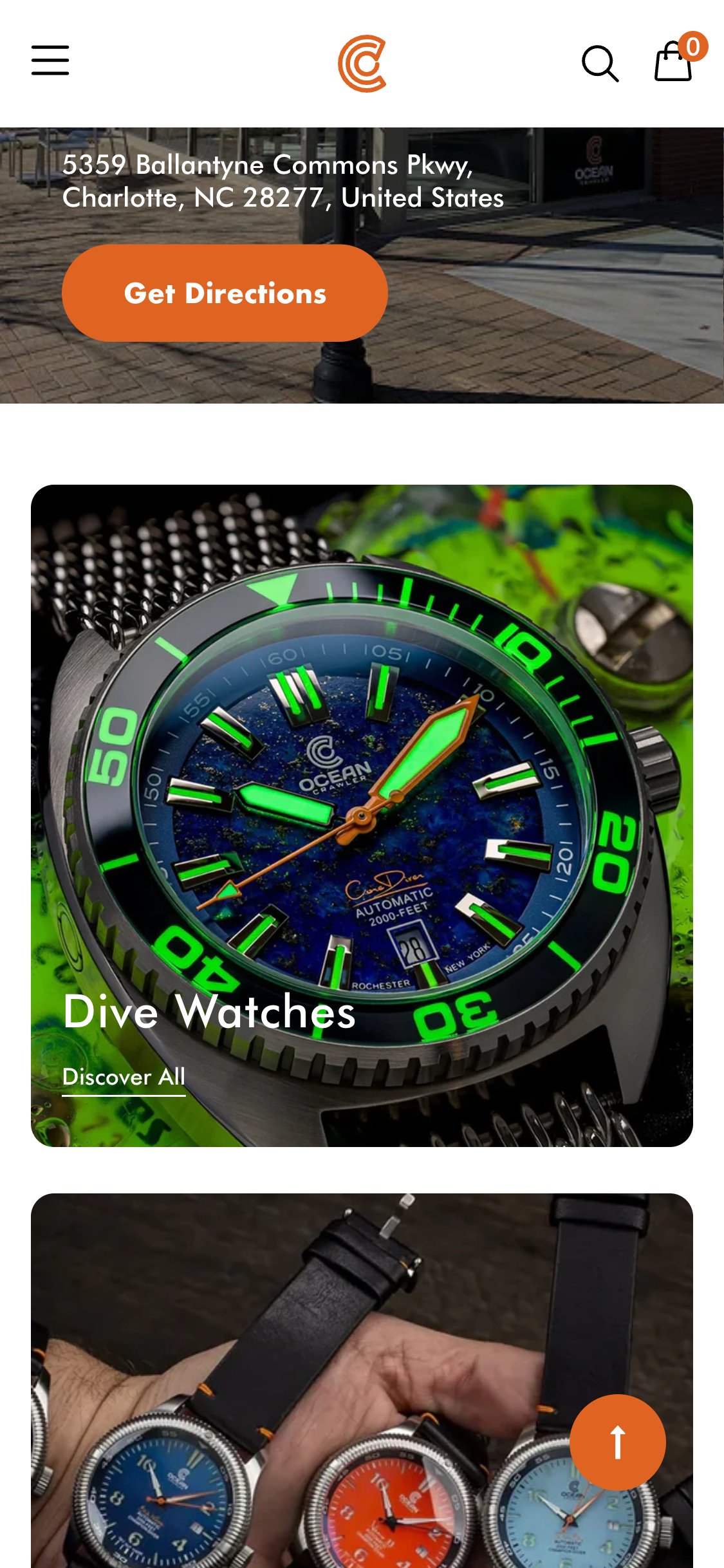
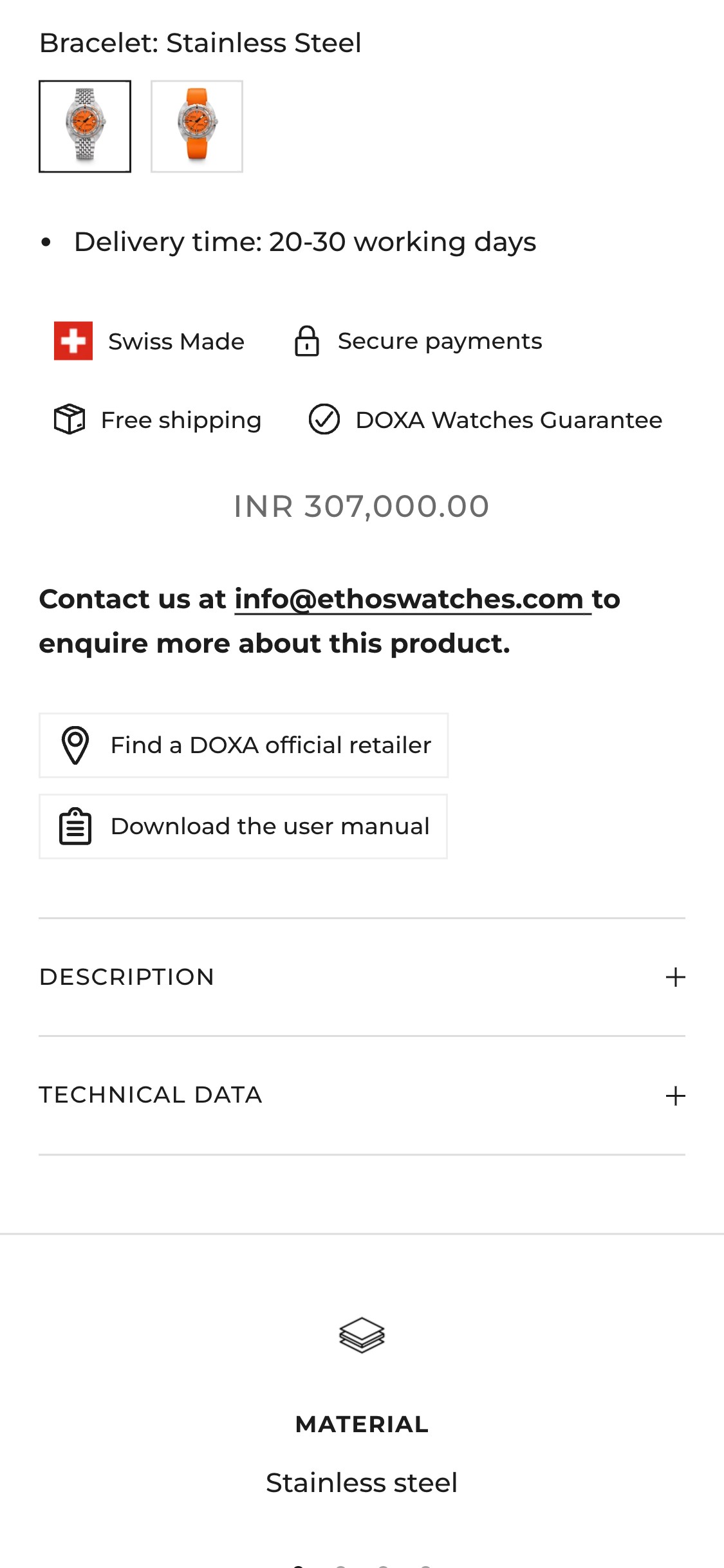
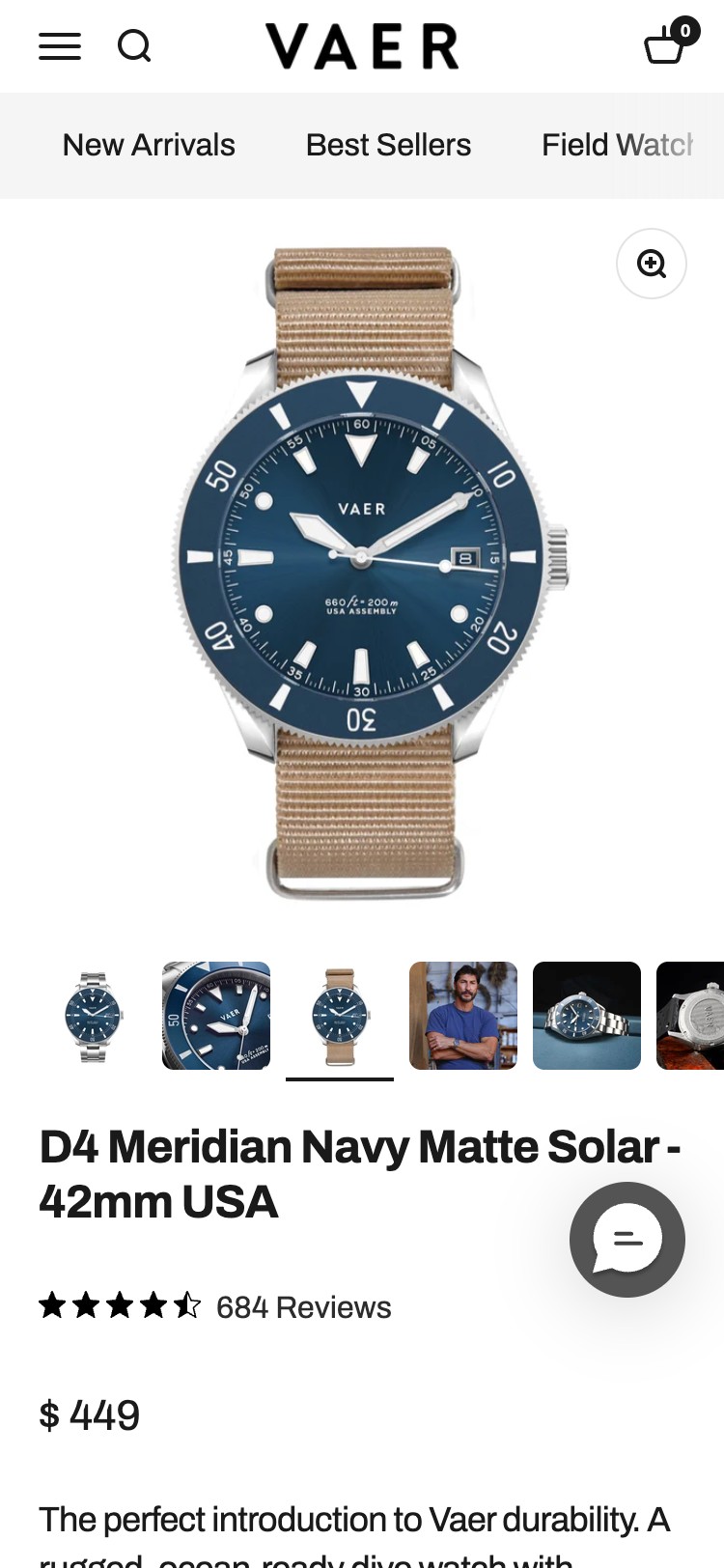
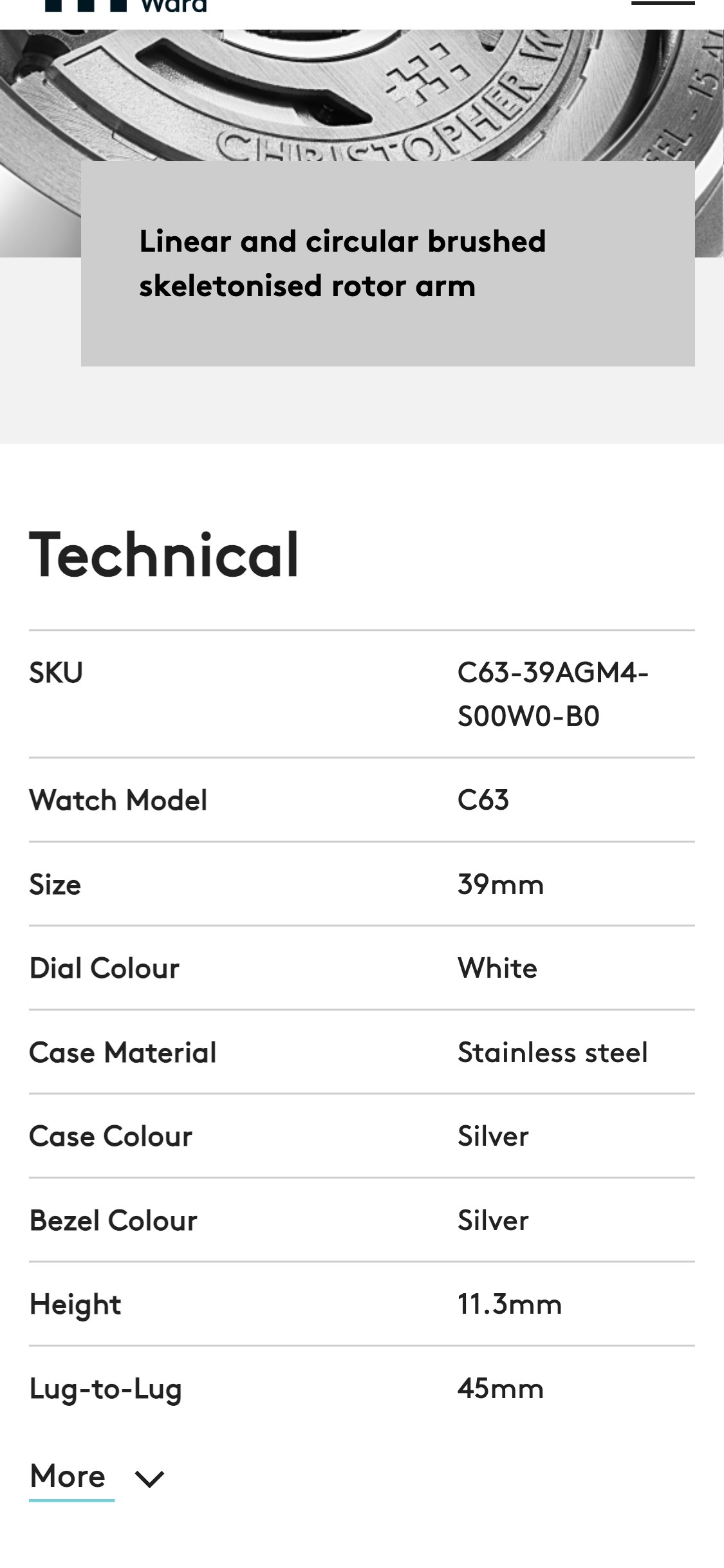
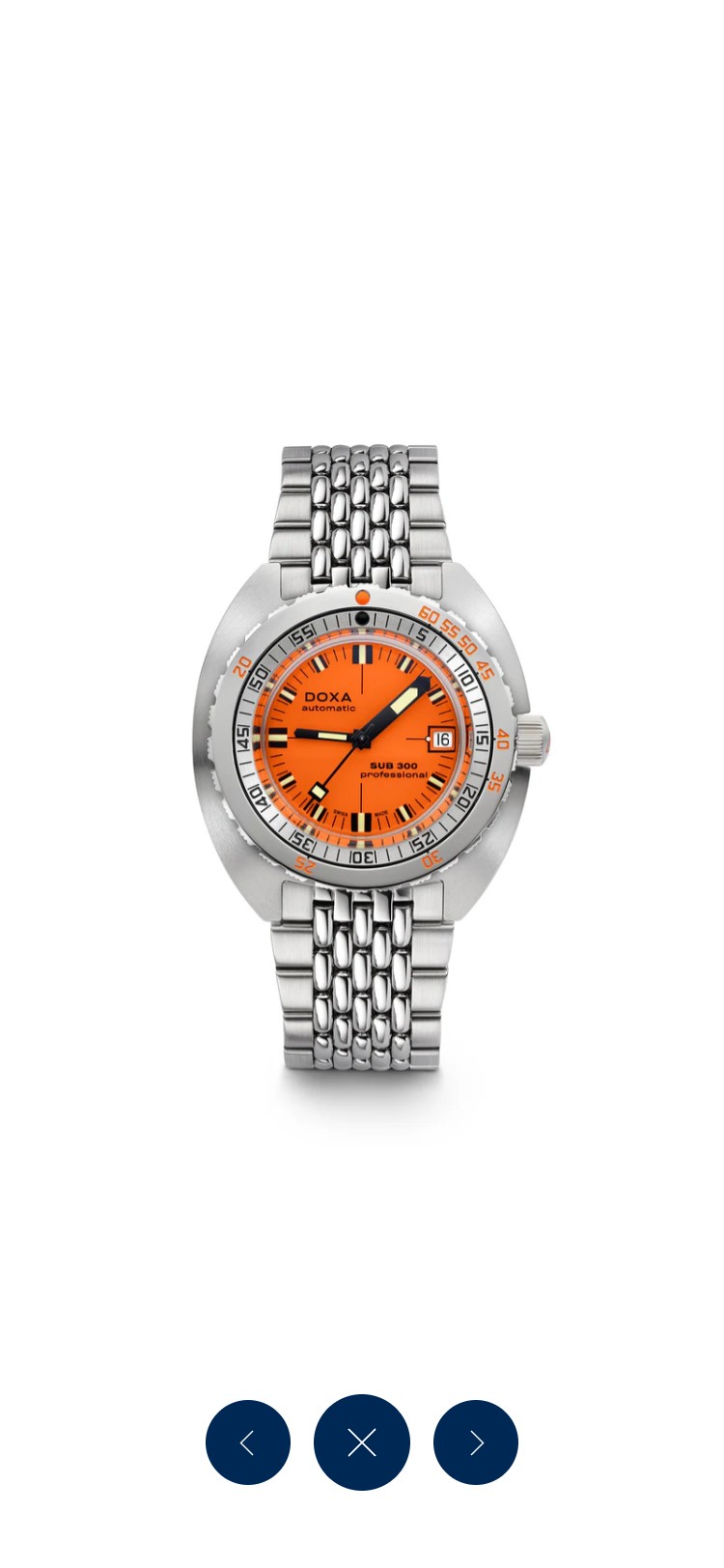
- Competitors like Christopher Ward lead hero with a named collection (e.g. 'C63 Sealander') and a direct 'Explore the watch' CTA
- Replace 'Shop All' with a product-specific CTA tied to the current hero image, e.g. 'Shop Dream Diver — from $1,099' linking directly to that product
- Add a short secondary headline beneath the tagline naming the hero product and one proof point (e.g. '2000ft water resistance · Sellita SW200-1 movement')
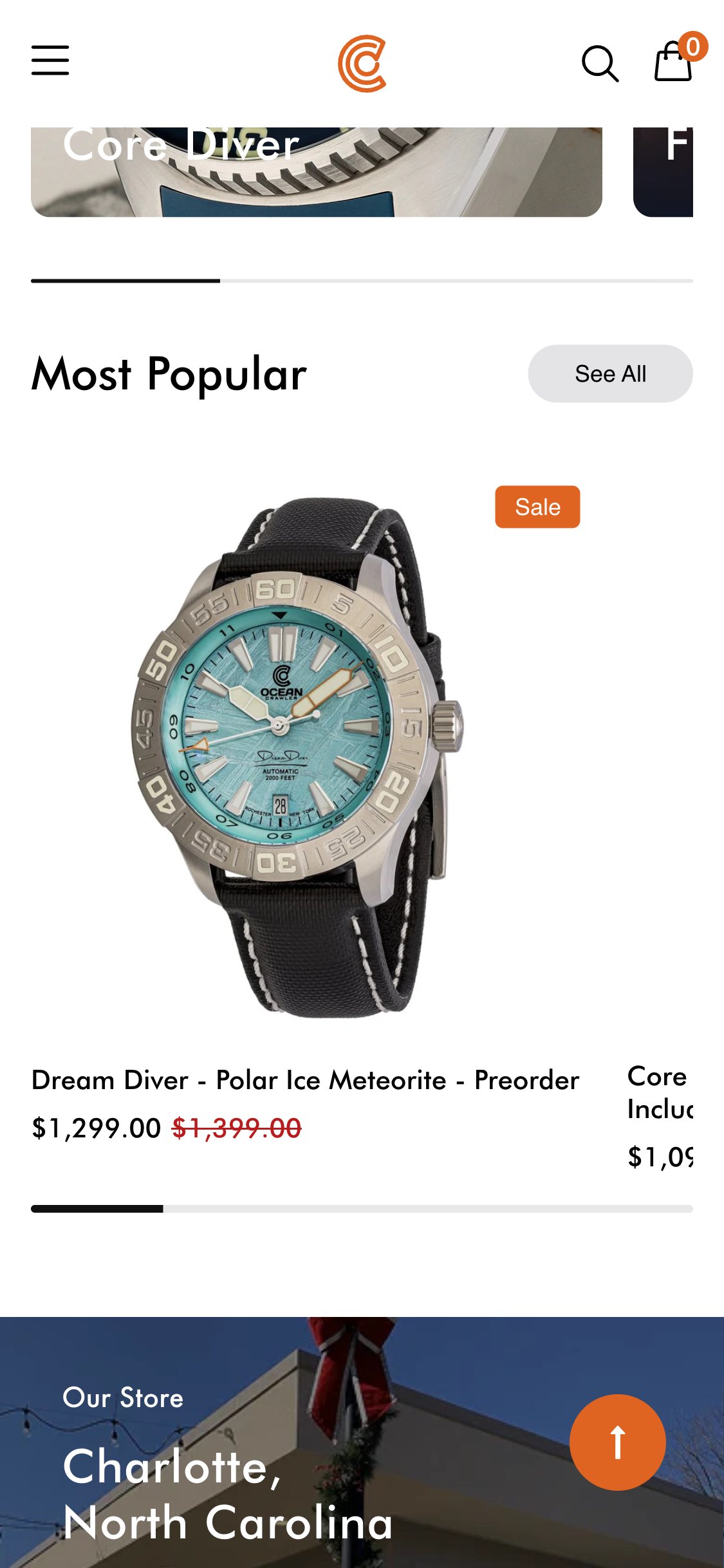
- Announcement bar text: 'All watches comes with 5 Year Warranty' — subject–verb disagreement ('comes' should be 'come')
- This bar is present on homepage, PDP, collection, and cart — the error surfaces on every single page view
- At a $1,299+ price point, grammatical errors reduce perceived brand quality and professionalism
- The warranty claim is genuinely valuable trust-building content; poor copy actively undermines it
- Fix copy immediately to: 'All watches come with a 5-Year Warranty'
- Consider rotating the bar between warranty, free shipping, and free returns to cycle trust signals rather than repeating one indefinitely
- Affirm is installed and configured on the site but no BNPL messaging appears anywhere on the homepage
- Product price range ($799–$1,399) sits firmly in the zone where BNPL messaging drives the most uplift (studies show 15–30% CVR lift above $500)
- No 'from $X/month' callout in the collection grid or featured product sections on homepage
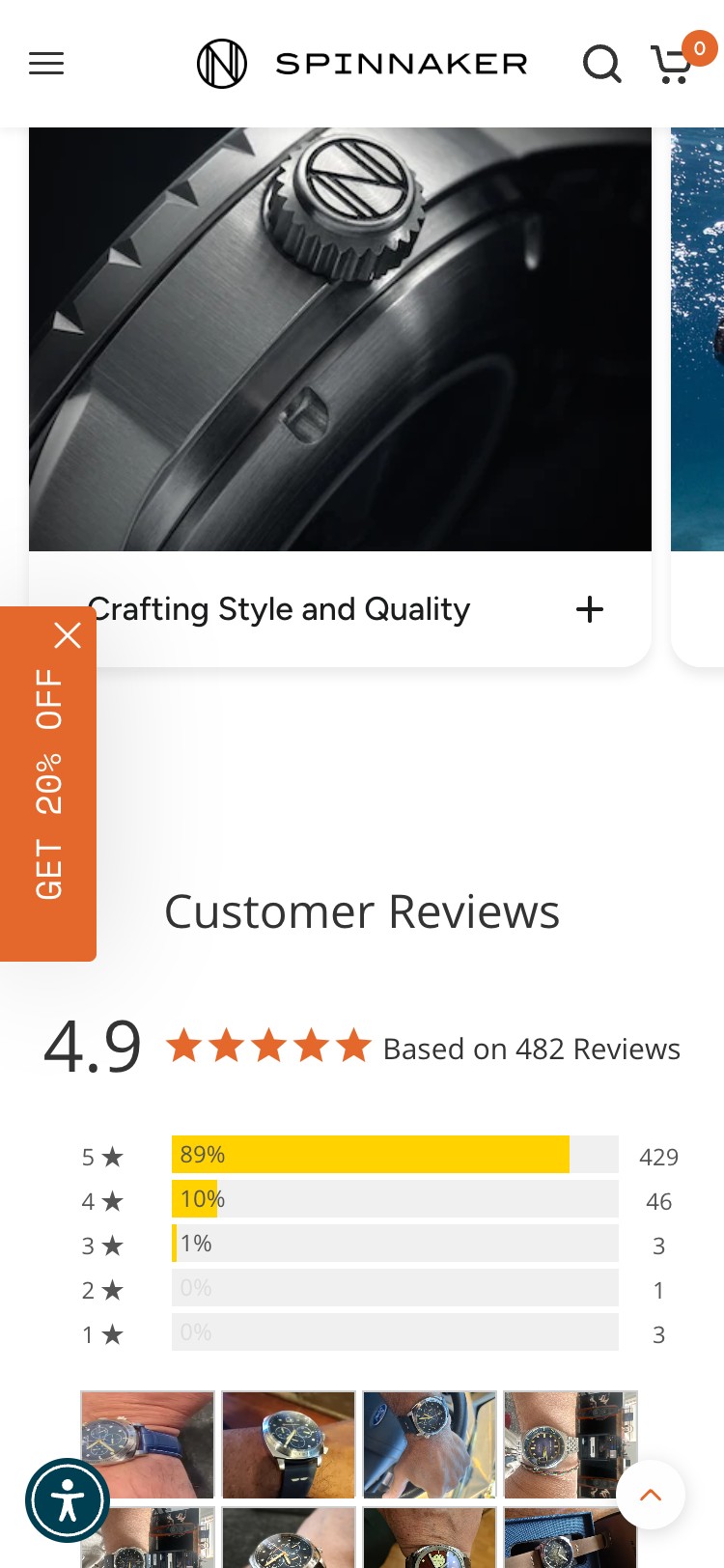
- Competitor Spinnaker Watches surfaces 'Pay in 4 interest-free installments' on homepage collection cards
- Add a homepage BNPL callout in the featured product section: 'Or from $109/mo with Affirm — 0% APR. See if you qualify'
- Surface BNPL on collection card hover states to reduce price shock before visitors click through to the PDP
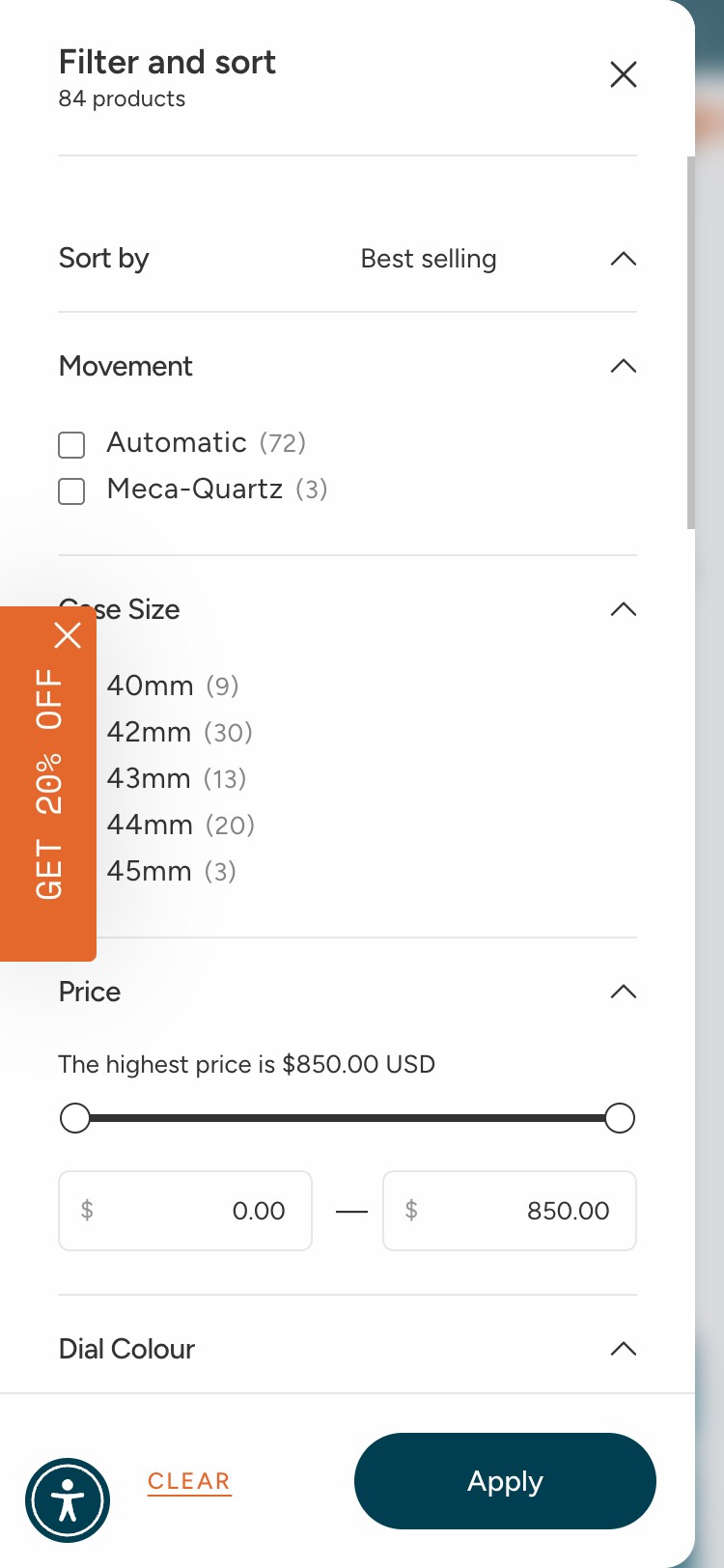
- Zero filter or sort controls found on /collections/all-dive-watches — confirmed via DOM inspection (filterCount: 0)
- Collection displays 13 products across a $799–$1,399 price range with no way to filter by price, dial colour, strap material, or case size
- No sort dropdown present (best-selling, price: low to high, newest) — products appear in a fixed order only
- At this price point, shoppers routinely compare multiple options — the inability to filter forces sequential PDP visits and increases bounce
- Enable Shopify native faceted filtering: add filters for Price Range, Dial Colour, Case Material, and Water Resistance rating
- Add a sort-by dropdown with at minimum: Best Selling, Price: Low to High, Price: High to Low, and Newest
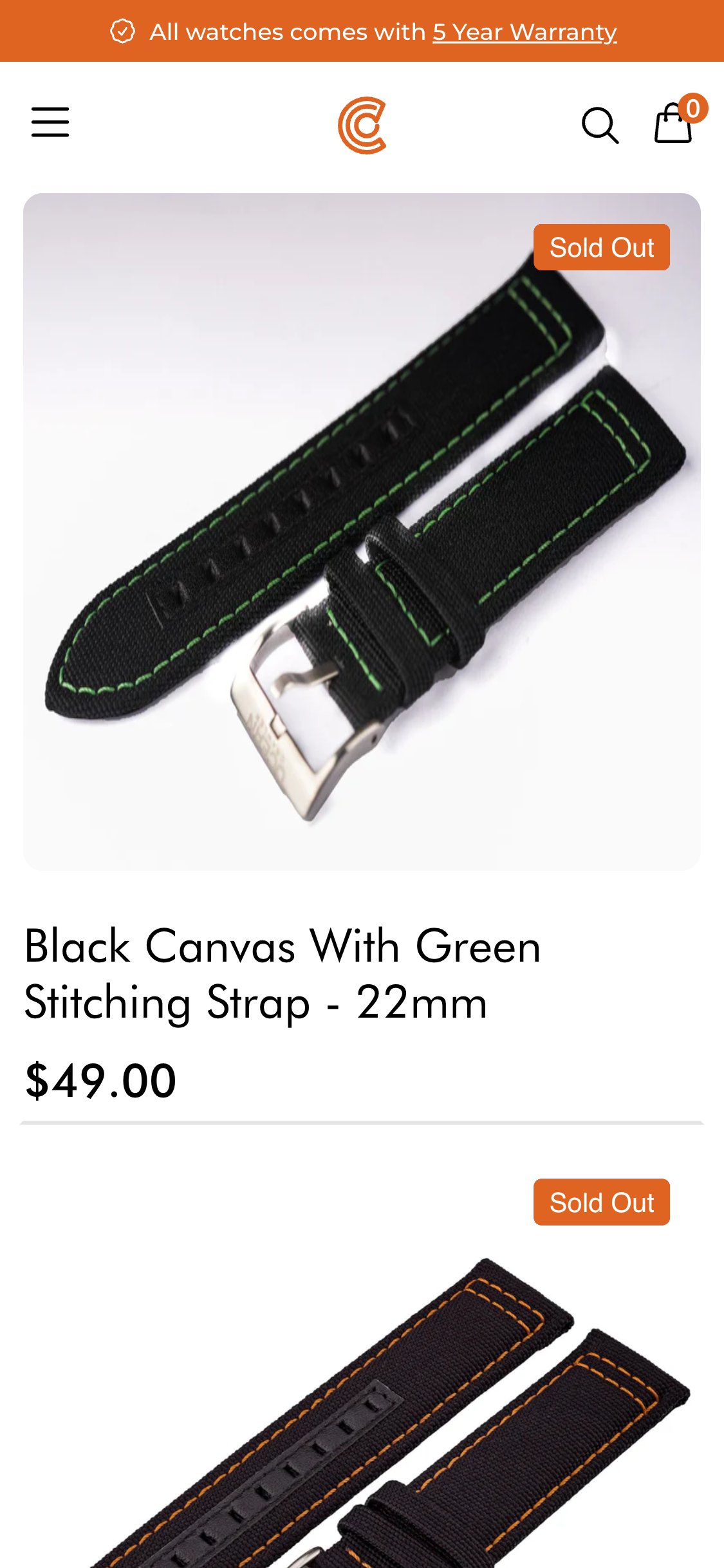
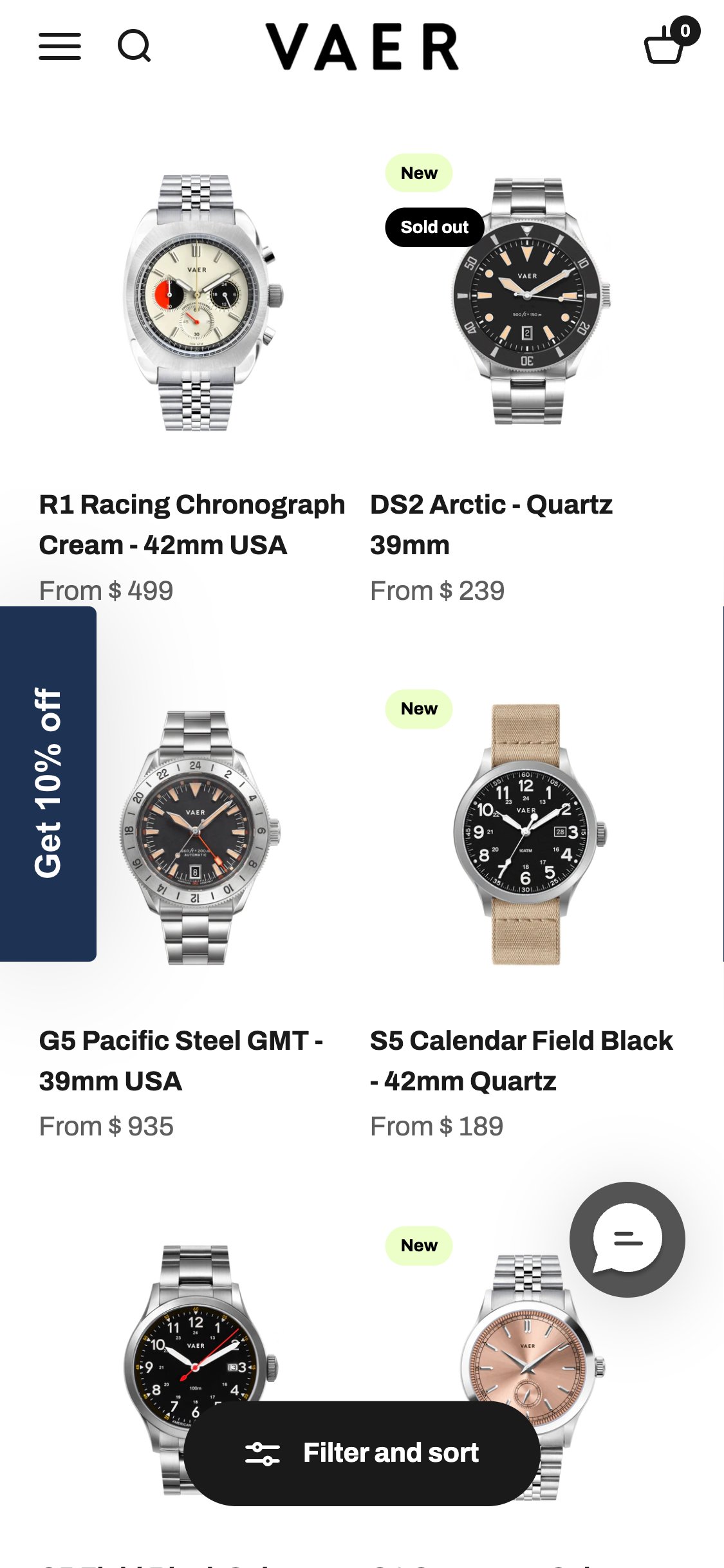
- All 13 product cards on the collection page show only product image, name, and price — no star ratings visible
- Judge.me is installed and active on the site but the preview badge is not rendered on collection cards — confirmed via DOM (reviewStarsOnCards: 0)
- The brand has 2,345 sitewide reviews but zero social proof is surfaced at the browse/discovery stage
- Eye-tracking research shows star ratings on collection cards increase click-through rate to PDP by 15–25%
- Enable Judge.me's 'Preview Badge' on collection cards via Judge.me theme integration settings — this is a single toggle in the app dashboard
- Show star count only on cards with 10+ reviews; suppress the widget on cards with 0–9 reviews to avoid displaying weak social proof
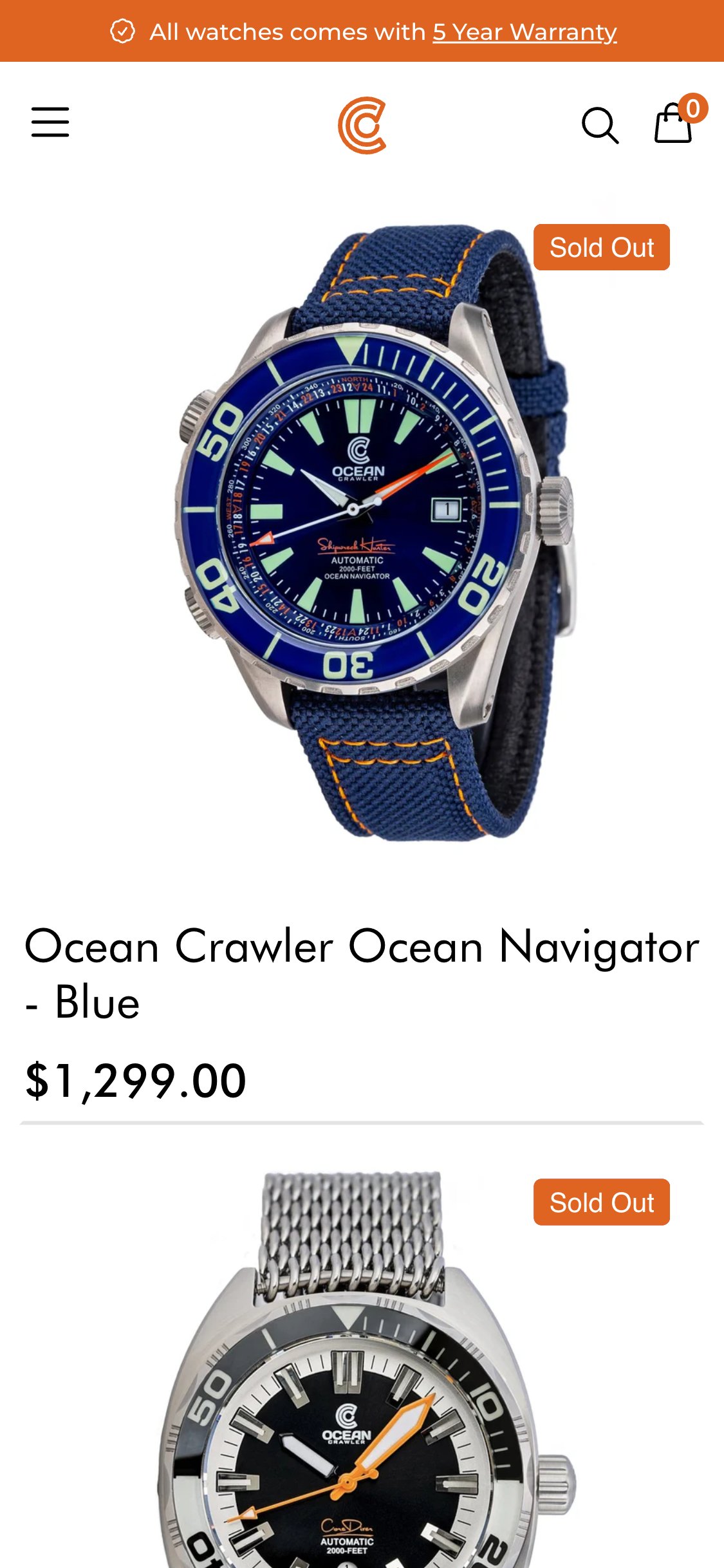
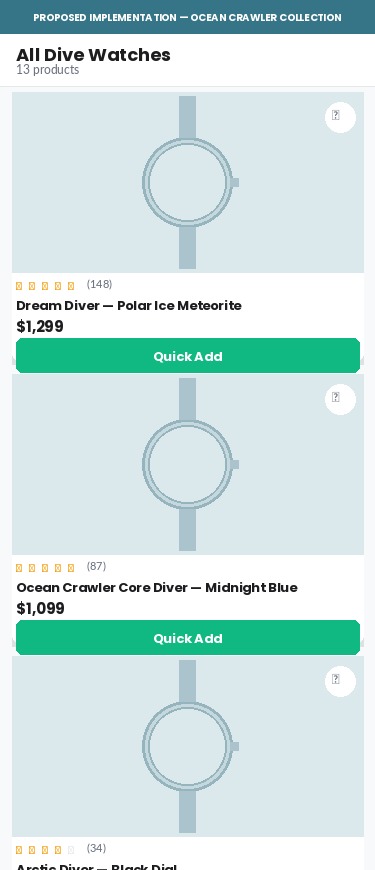
- Product cards only navigate to the PDP — no quick-add button appears on hover or tap
- No wishlist or 'save for later' icon on cards — non-converting visitors have no capture mechanism
- An empty .ImageOverlayCa div exists on each card in the DOM — a quick-add feature was likely planned but never completed
- Wishlist saves feed re-marketing flows (Klaviyo back-in-stock, wishlist reminder) — their absence means lost retention touchpoints
- Add a quick-add button that appears on card tap (mobile) or hover (desktop), adding the default variant directly to cart
- Add a wishlist heart icon to each card; connect to Klaviyo to trigger automated wishlist reminder and back-in-stock flows
- Affirm is installed with a valid API key (0HJZVCZ0N3KJQ9E3) and the widget text reads 'Starting at $109/mo or 0% APR with Affirm'
- All .affirm-as-low-as elements have computed style display:none — confirmed via DOM inspection — making them invisible to every shopper
- At a $1,299 price point, BNPL messaging directly addresses the #1 objection ('too expensive right now') and industry data shows 15–30% CVR lift for items over $500
- The Affirm script loads correctly, the config is present, but a CSS override is suppressing the rendered widget
- Audit the theme CSS for any rule targeting .affirm-as-low-as or its parent container and remove the display:none override
- As an immediate fallback, add a static line below the price: 'Or 12 monthly payments from $109 with Affirm — 0% APR. See if you qualify →' until the widget is fixed
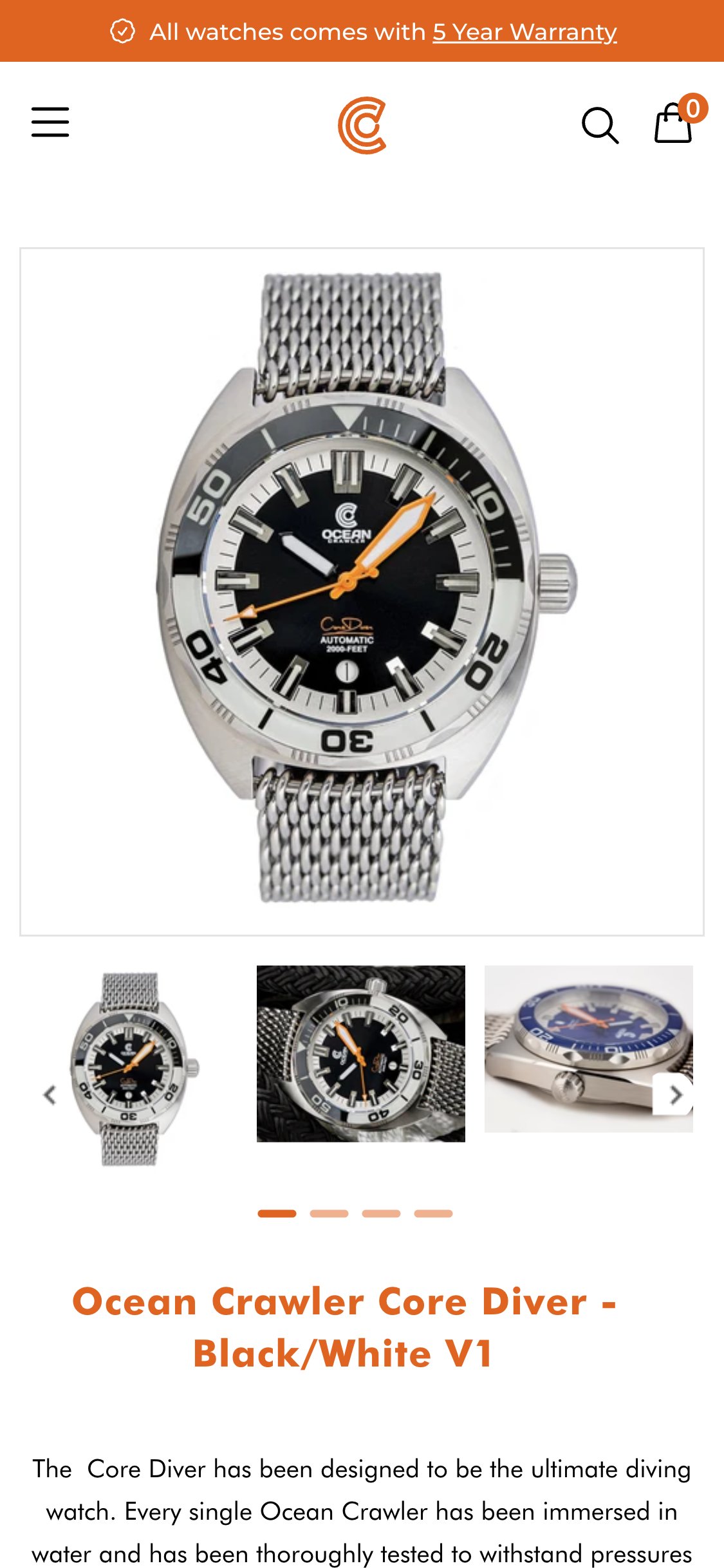
- Judge.me preview badge (.jdgm-prev-badge) has inline style='display:none' applied — confirmed via DOM inspection; it is never rendered for the shopper
- The badge contains 5.00 stars and '2 reviews' data for this product, but this information is invisible
- Scrolling the entire PDP to the footer reveals no full Judge.me reviews widget — product-level reviews are completely absent from the page
- With 2,345 sitewide reviews the brand has strong aggregate social proof, but product-level credibility is entirely missing at the decision point
- Remove the inline display:none override from the Judge.me preview badge — likely applied by a theme update or app conflict; check theme.liquid and section files
- Add the full Judge.me reviews widget to the PDP layout section, placed after the product description accordion and before related products
- Only one trust badge is visible below the ATC button: '5 Year Warranty — Covered for five years of reliable performance'
- Free Shipping & Returns and Warranty policies exist as accordion items further down the page but are collapsed and require user action to read
- No secure checkout icon, SSL badge, or money-back guarantee badge appears near the ATC button above the fold
- The .htusb-ui-prod-boost-trust-wrapper div renders empty in the DOM — a trust badge app is installed but not outputting content
- Add a 3-icon trust bar directly below the ATC button with icons and short labels: 'Free Returns', '5-Year Warranty', 'Secure Checkout'
- Populate the htusb-ui-prod-boost-trust-wrapper or replace it with inline SVG icons — the empty div suggests a broken app widget that should be fixed or removed
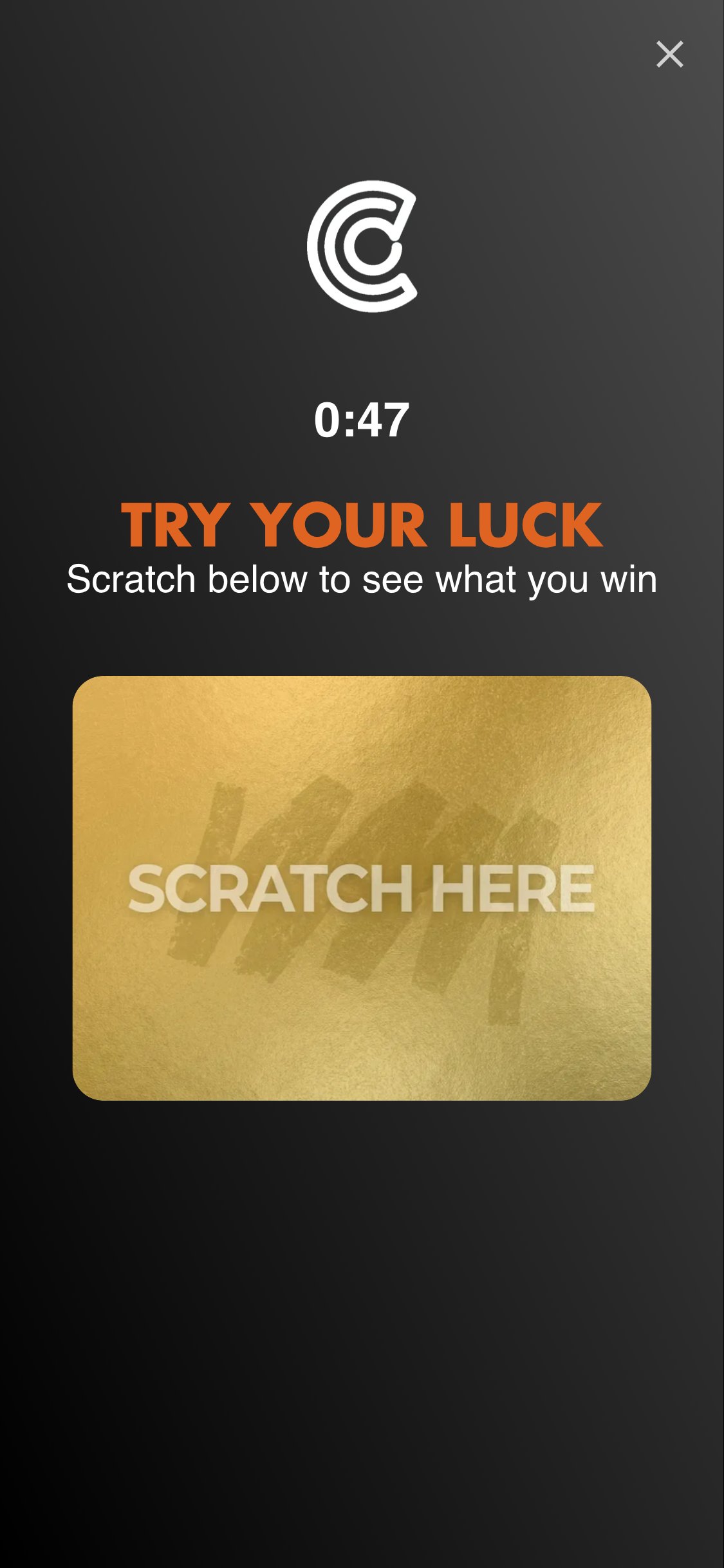
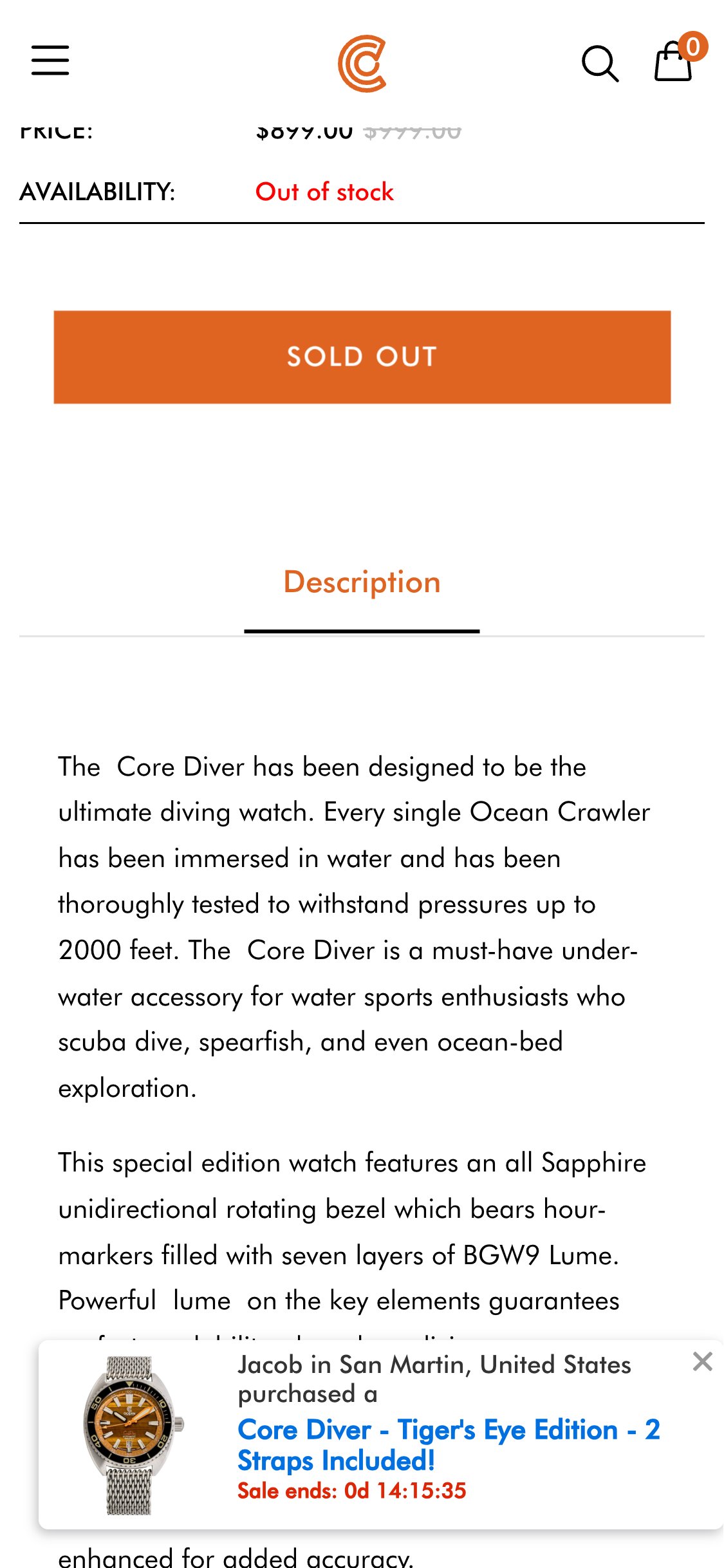
- A full-screen 'Try Your Luck — Scratch Here' gamified popup (Terrific app) fires immediately on PDP load with no time delay or scroll trigger
- The popup covers the entire product image and all above-fold product details before the shopper has had a chance to see the watch
- A separate Terrific sales notification widget ('James in Whitesburg purchased...') also appears persistently at the bottom of the page throughout browsing
- At a $1,299 price point with a luxury/premium brand positioning, a lottery-mechanic popup creates a mismatch with the brand's 'American precision' messaging
- Set a minimum 30-second time-on-page or 60% scroll-depth trigger before showing the gamified popup — let shoppers evaluate the product first
- Configure the popup to trigger on exit intent (cursor moving toward browser chrome) on desktop, and on second page visit on mobile, rather than on entry
- Five spec accordions — Glass, Dial, Movement, Strap, Water Resistance — are all collapsed by default, requiring separate taps to reveal each
- Movement type (Sellita SW200-1) and water resistance (60 ATM / 600m) are the top two purchase-decision criteria for dive watch buyers yet both are hidden
- These key specs are mentioned in passing in the 'Swiss Precision Inside' editorial section far below the fold, not in a scannable format near the ATC
- A spec table format (icon + spec name + value in two columns) would make all key data scannable in under 5 seconds without any interaction
- Open the 'Movement' accordion by default as movement type is the primary differentiator for watch enthusiasts comparing the Sellita SW200-1 against competitors
- Replace the accordion stack with a scannable spec table showing all key specs (case diameter, thickness, water resistance, movement, glass, lug width) in a single view
- Product gallery uses a swiper carousel with dot navigation — no tap-to-zoom or pinch-to-zoom gesture is active on mobile
- A .product-ocw-zoom-modal exists in the DOM but requires a separate trigger element to open; no visible zoom icon or 'tap to zoom' prompt is shown on the image
- For a meteorite-dial watch at $1,299, the ability to inspect dial texture, finishing quality, and lume plots is a key pre-purchase need
- The absence of discoverable zoom creates a barrier equivalent to a physical retailer refusing to let a customer pick up the watch
- Add a visible magnifying glass icon overlay (bottom-right of main image) with a 'Tap to zoom' label to make the existing zoom modal discoverable
- Ensure the zoom modal serves images at 2000px+ resolution to genuinely showcase the meteorite dial texture and brushed case finishing
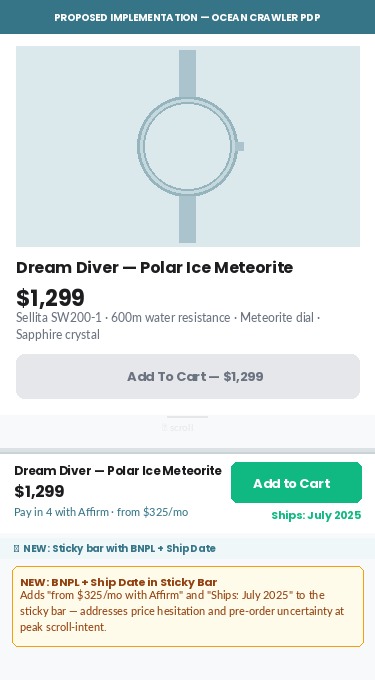
- Sticky ATC bar correctly activates on scroll and shows product thumbnail, truncated name, sale price ($1,299), and 'Add To Cart' button
- No BNPL sub-label (e.g. 'or $109/mo with Affirm') is shown in the bar — this is especially critical at scroll depth where purchase intent peaks
- For pre-order products, the ship date ('Ships May 22, 2026') is not shown in the sticky bar — shoppers may hesitate without knowing when they'll receive it
- The Terrific urgency countdown ('Sale ends: 0d 14h') appears only in the sales notification popup widget, not in the sticky bar where it would reinforce action
- Add a one-line BNPL sub-label beneath the price in the sticky bar: 'from $109/mo with Affirm' — this single addition can lift ATC-from-sticky-bar rates by 10–20%
- For pre-order SKUs, dynamically inject the ship date into the sticky bar text: 'Ships May 22, 2026 · Add To Cart — $1,299'
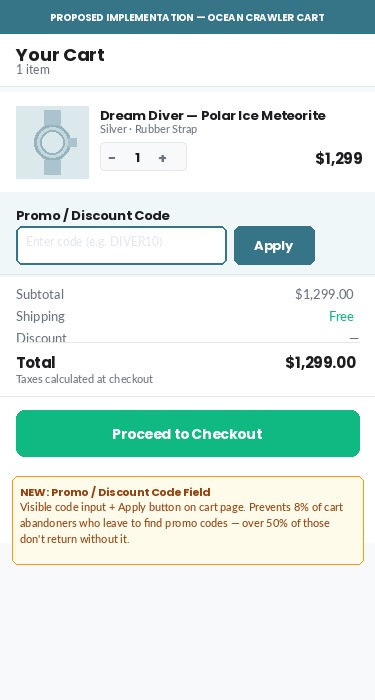
- The cart page at /cart contains no visible discount or coupon code input field — confirmed by visual inspection and full DOM search
- Cart text reads 'Shipping, taxes, and discounts will be calculated at checkout' — discounts are deferred to checkout, creating confusion about whether codes exist
- Industry research shows ~8% of cart abandoners leave specifically to search for a promo code, and over 50% of those do not return
- Klaviyo is installed — email campaigns likely include discount codes, but recipients who click through find no field to enter them on the cart page
- Add a collapsible 'Have a discount code?' input field to the cart page above the checkout button, applying the discount immediately via the Shopify Cart API discount endpoint
- This also eliminates promo-code hunting abandonment — when the field is visible, shoppers without a code still proceed rather than leaving to search
- No trust badges visible near the checkout button — the only signals are Shop Pay, PayPal, and Google Pay logos below the button
- The .htusb-ui-prod-boost-trust-wrapper div renders empty in the DOM — a trust badge app is installed but not outputting content in the cart
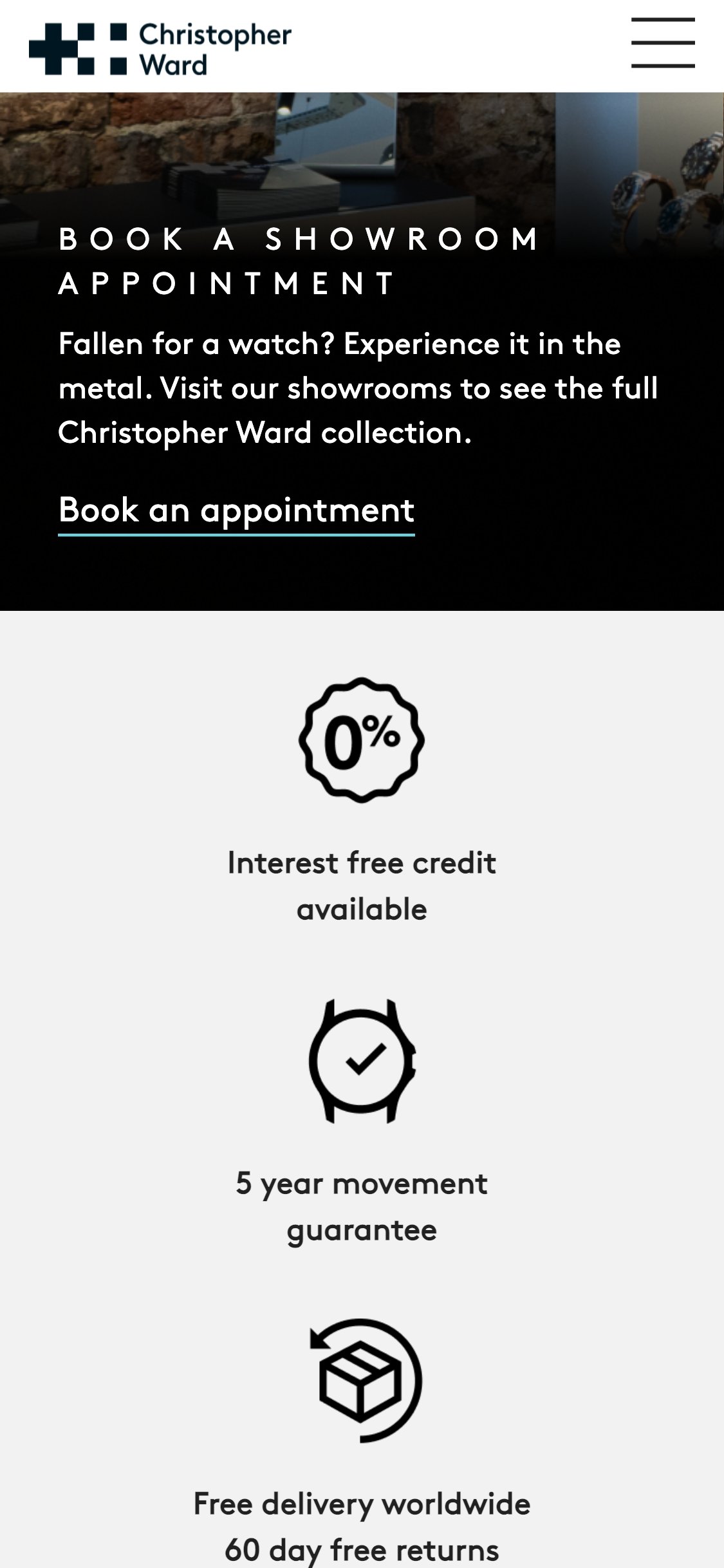
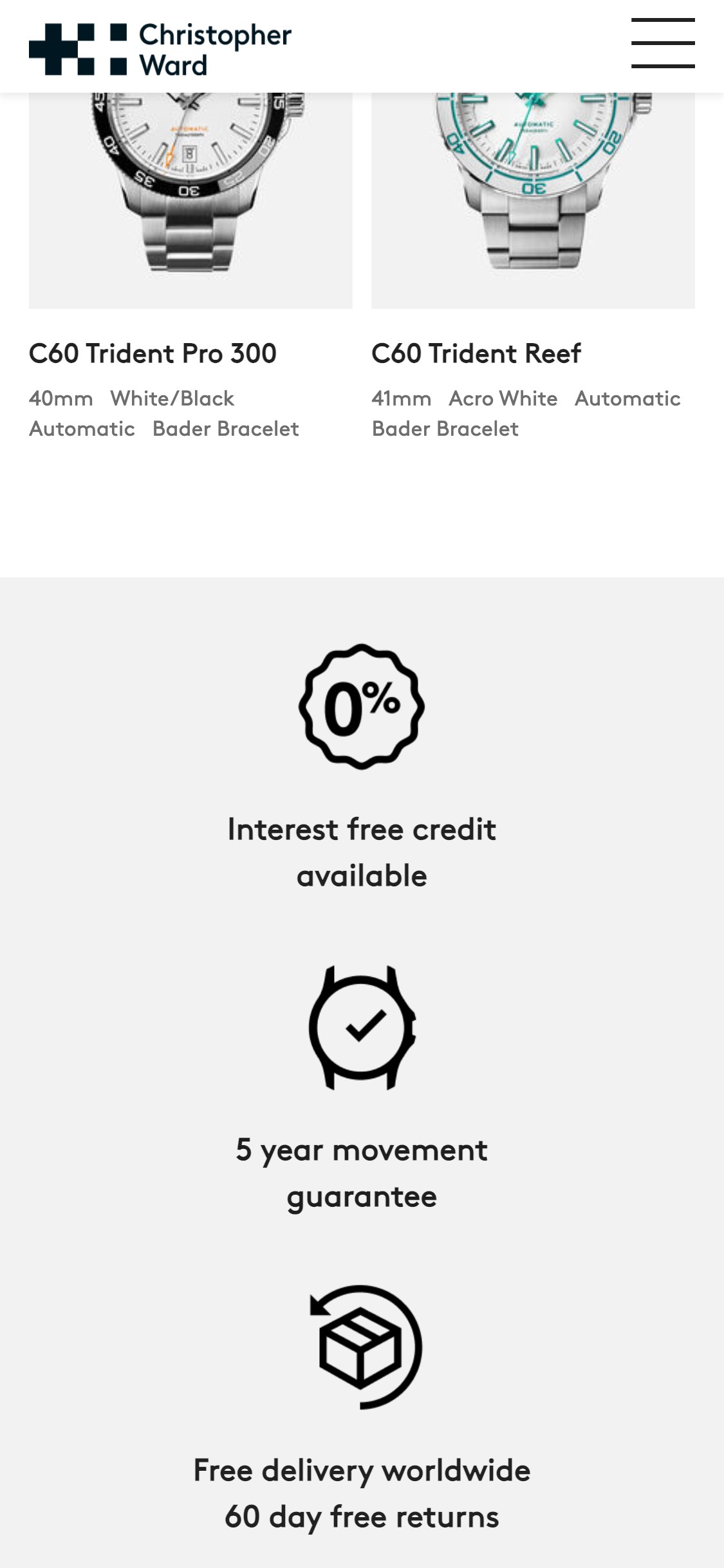
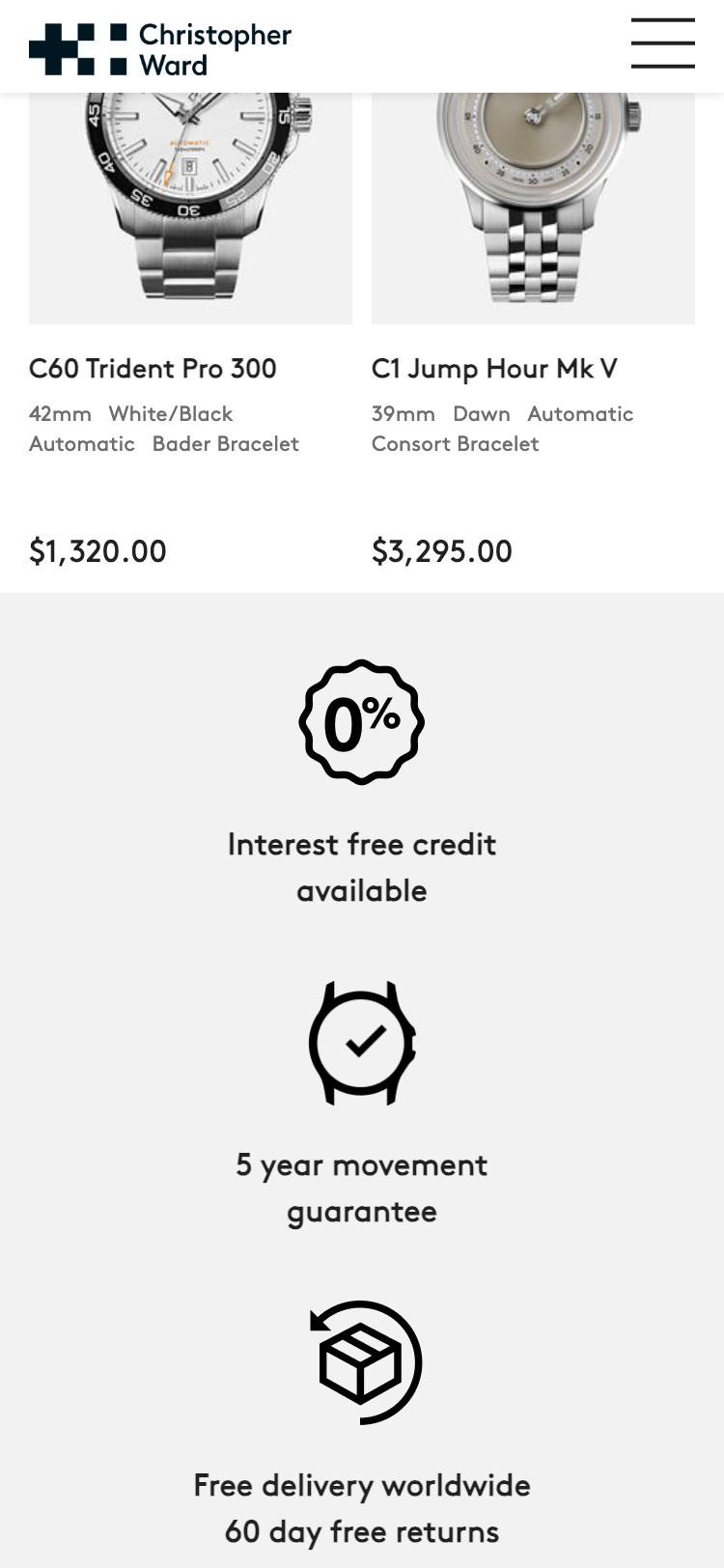
- Christopher Ward's cart displays four distinct trust signals: Interest Free Credit, 5-Year Guarantee, Free Delivery Worldwide, and 60-Day Free Returns
- For a $1,299 pre-order purchase, last-moment purchase anxiety is highest at the cart — trust reassurance at this exact step directly addresses hesitation
- Add a 3-icon trust row directly above the checkout button: 'SSL Secure Checkout', 'Free Returns', '5-Year Warranty'
- Fix or replace the empty htusb-ui-prod-boost-trust-wrapper widget; alternatively, add inline SVG trust icons that do not depend on the app
- Cart page contains only: product row (image, name, qty +/-, price, remove), 'Add a note to your order', subtotal text, and three CTA buttons
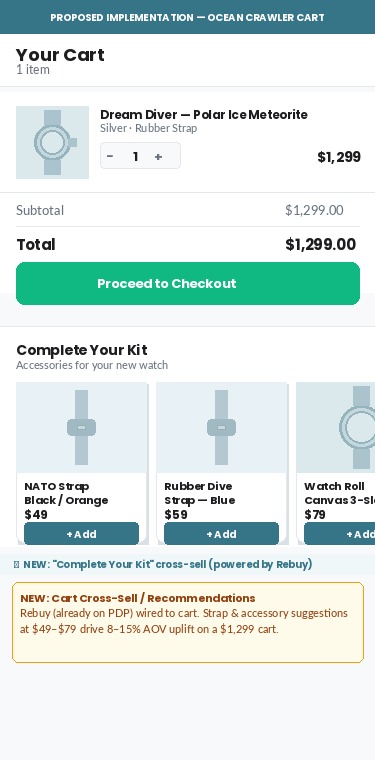
- No cross-sell or 'You might also like' widget — Rebuy is installed and active on PDPs but is not wired to the cart page
- Strap accessories and watch bands at $49–$89 would be natural cart add-ons for a $1,299 dive watch purchase
- Cart cross-sell widgets typically generate 8–15% AOV uplift when showing lower-priced accessories
- Wire Rebuy to the cart page with a 'Complete your kit' widget showing 1–2 accessory or strap recommendations at a lower price point (under $100)
- Configure the widget to show items not already in the cart and exclude out-of-stock or pre-order items to avoid cart confusion
App Ecosystem
What's installed vs what's missing from best-in-class Jewelry & Accessories stores
Present (25)
Missing (7)
App Stack Assessment
Ocean Crawler's app ecosystem is busy but unbalanced. The analytics and advertising stack is strong — GTM, Triple Whale, Amplitude, Facebook CAPI, TikTok, Klaviyo, and Attentive all active — showing sophisticated paid-acquisition investment. However, the retention and loyalty infrastructure is almost entirely missing: no loyalty programme, no subscription app, and no wishlist. For a brand with a passionate collector community and repeat-buyer social proof on the homepage ('my sixth Ocean Crawler in 12 months'), the absence of a structured rewards programme is a significant LTV gap. The conversion stack has the opposite problem: too many tools doing overlapping jobs. Fomo + Autoketing Sales Pop are both running social-proof notifications simultaneously. ConvertFlow + Alia are both firing popups on PDP load. Mailchimp sits alongside Klaviyo with no clear role differentiation. Consolidating these would reduce page load overhead and create a cleaner user experience. The single highest-priority fix remains the Affirm BNPL widget visibility bug — it is installed, the JS loads, and the configuration is present, but a CSS rule hides the widget from every customer. At a $999–$1,399 price point, removing that one line of CSS is potentially the highest-ROI technical change available.
Confidential — Prepared for Ocean Crawler Watch Co. by Growisto | May 2026